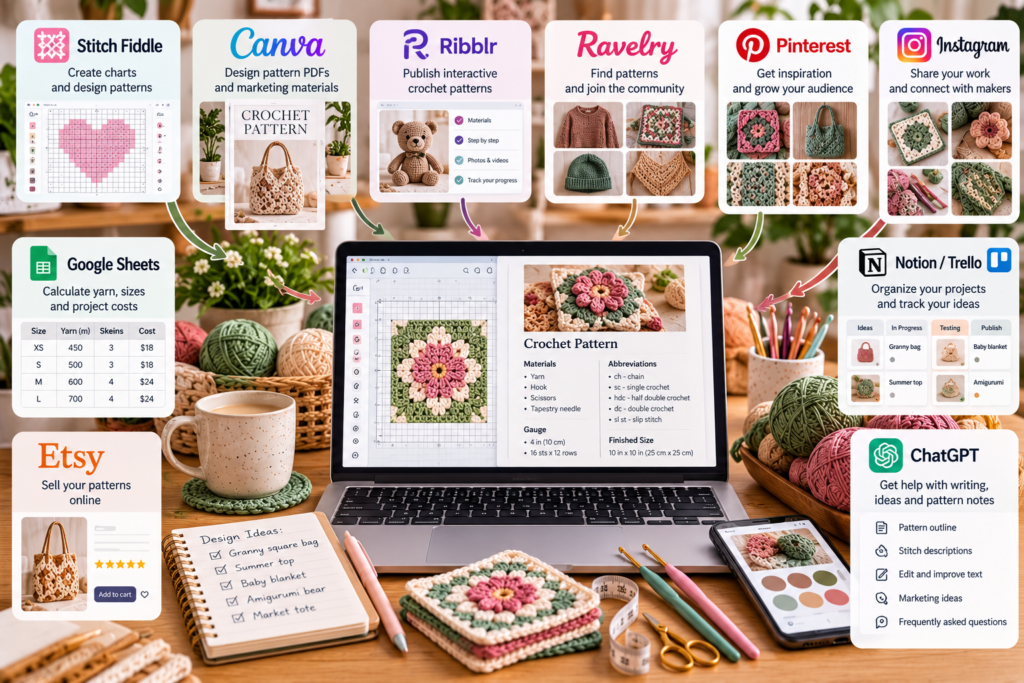
If you publish a tutorial, consider creating separate Pins for the finished project, the materials, and one useful technique. Each should provide a clear reason for someone to visit the original article.
Pinterest can support long-term discovery, but results vary depending on the quality of your content, the audience, and how well your Pins match what people are searching for.
My recommendation: Use Pinterest if your goal is to bring more visitors to your crochet blog or help potential customers discover your patterns.
- Adobe Illustrator or Inkscape: Create Detailed Charts and Vector Graphics
Best for: Advanced pattern diagrams, custom symbols, technical illustrations, and professional layouts.
Websites: Adobe Illustrator and Inkscape
Sometimes a designer needs more control than a template-based application provides. You may want to create a custom stitch-symbol library, draw technical garment diagrams, or prepare illustrations that remain sharp at different sizes.
Vector graphics software is designed for creating artwork from scalable shapes and paths.
Adobe Illustrator
Adobe Illustrator is a professional vector design application. It can be useful for designers who already work with advanced graphic design tools or need detailed control over diagrams, symbols, and page elements.
It is a paid product, so its cost may be difficult to justify if you only need to prepare occasional crochet patterns.
Inkscape
Inkscape is a vector graphics editor that is available free of charge. It can be a practical alternative for designers who want to draw custom diagrams and create scalable illustrations without paying for a subscription.
Share your thoughts
We'd love to hear your perspective. Keep it thoughtful and respectful.